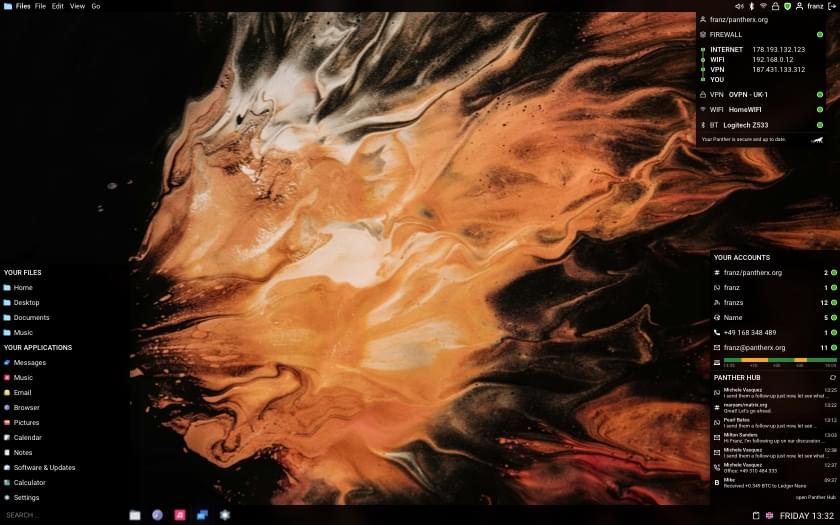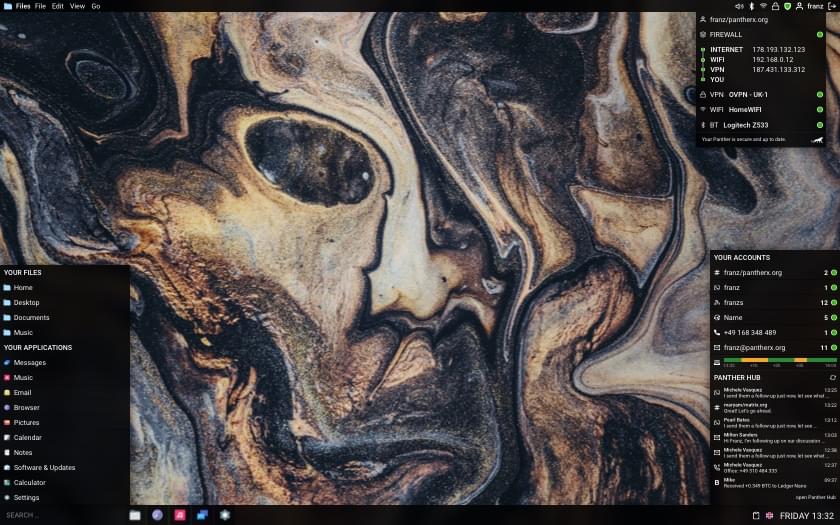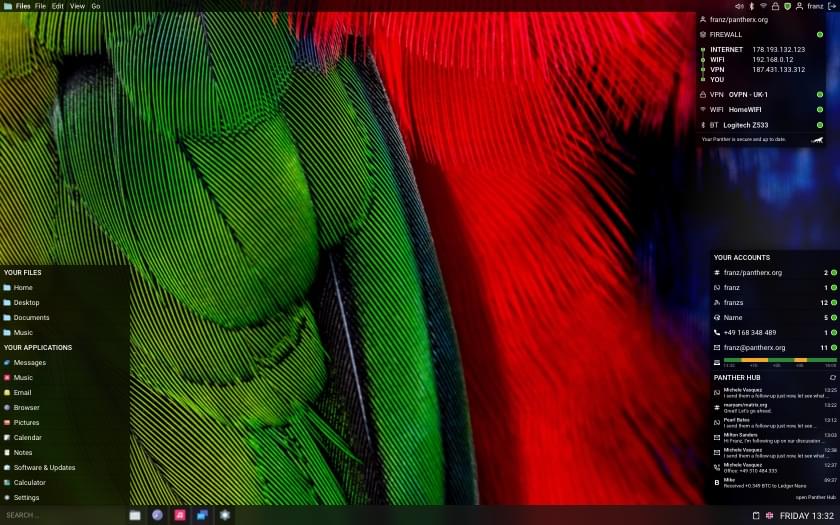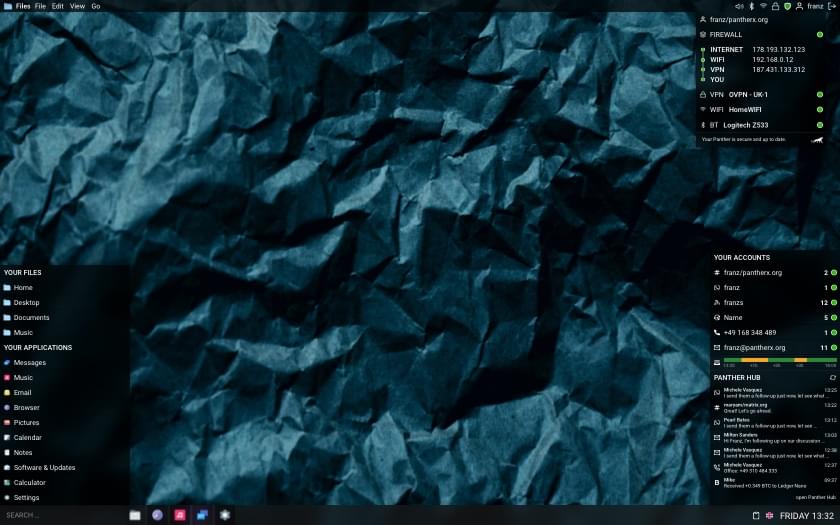
The old PantherX installer was getting in the way more than it was helping — fragile, no way to resume when something went sideways mid-install, and the code had grown a few too many special cases. So I started over: meet guix-install.
It installs plain Guix, Nonguix, PantherX, or a managed config from a server — you pick which one when it asks. On the PantherX ISO it’s already there; just type guix-install and you’re off. On a plain Guix ISO, you can download it and run it directly.
curl -L -o guix-install \
  https://github.com/franzos/guix-install/releases/latest/download/guix-install-x86_64-linux-musl
chmod +x guix-install
./guix-install
It walks through Mode → Locale → Timezone → Hostname → Disk → Encryption → Users → Desktop → Summary. Escape goes back a step. There’s also a --dry-run flag that prints the generated system.scm and channels.scm without touching your disk — useful if you just want to see what the installer would write.
Why bother
A few things bugged me about the old installer, and a few things I wanted that didn’t exist:
- Resume on failure. Install is split into 8 phases (partition, format, mount, swap, scheme, authorize keys,
guix pull,guix system init). State persists between phases — ifguix pulldies on flaky wifi, re-running picks up where it left off. - No passwords in
system.scm. Passwords are SHA-512-crypted in-process and written atomically to/mnt/etc/shadow. The plaintext lives in a zeroizing buffer and is gone before the next phase. Nochroot, nochpasswd. - Hardware preflight for libre Guix. If you pick the
guixmode, it warns about Wi-Fi/GPU/Ethernet chips that need non-free firmware before you commit to an install you’ll have to redo. - One tool for the whole guix ecosystem, not just PantherX. Plain Guix and Nonguix users get the same resume-friendly, atomic-write installer.
Modes
| Mode | Channel | Kernel |
|---|---|---|
guix |
upstream Guix | linux-libre |
nonguix |
nonguix | linux + microcode |
panther (default) |
panther (codeberg) | linux + microcode |
enterprise |
tarball from a remote URL | from config |
The enterprise mode fetches a config tarball over HTTPS by ID and skips locale/timezone/hostname/users/desktop. Useful if you’re rolling out a fleet with a known config and don’t want operators to make choices.
If you have a spare disk or a VM, please try it and let me know what breaks: github.com/franzos/guix-install/issues.
What this means for PantherX users
The previous px-install is being retired. The config generator on the home page still works for hand-rolling a system.scm, but for an actual install, guix-install is the path forward. New PantherX ISOs ship with it pre-installed.