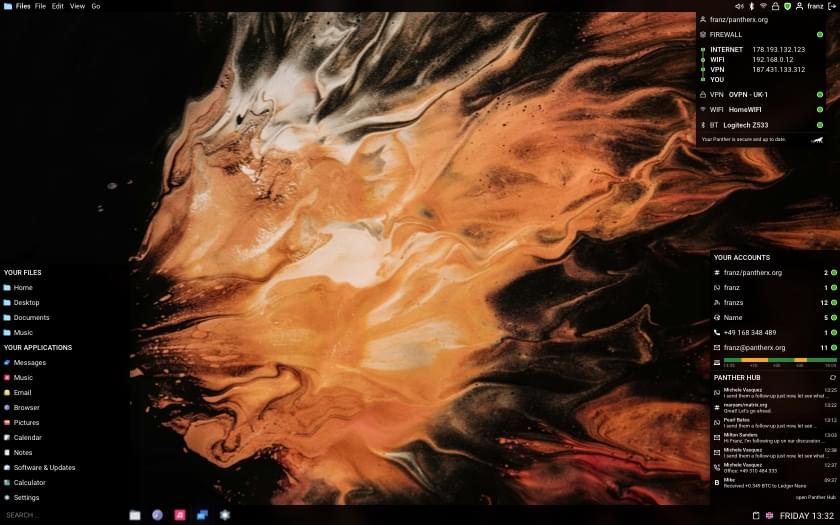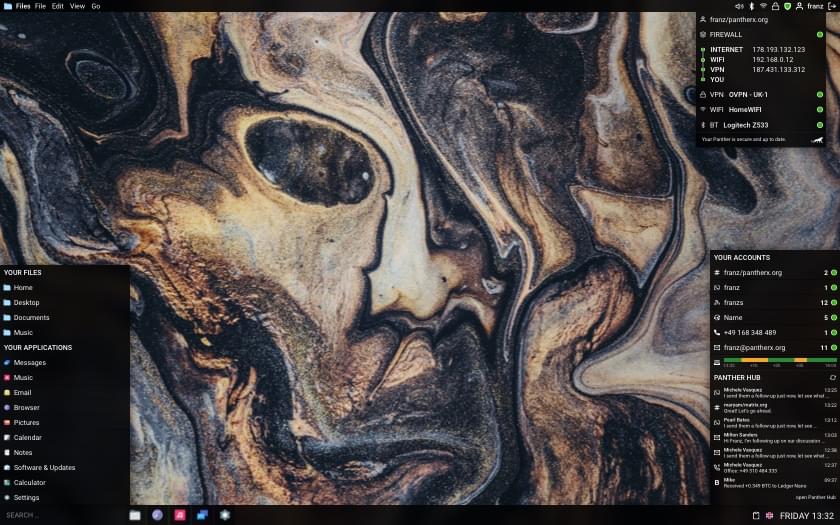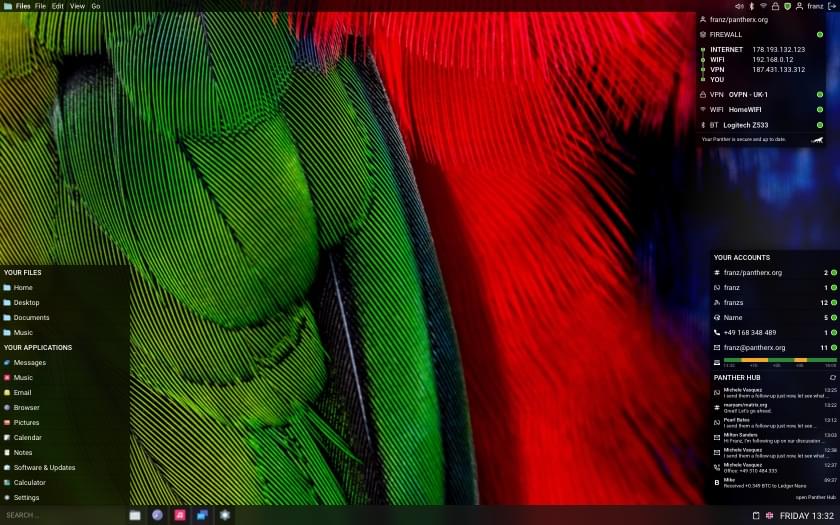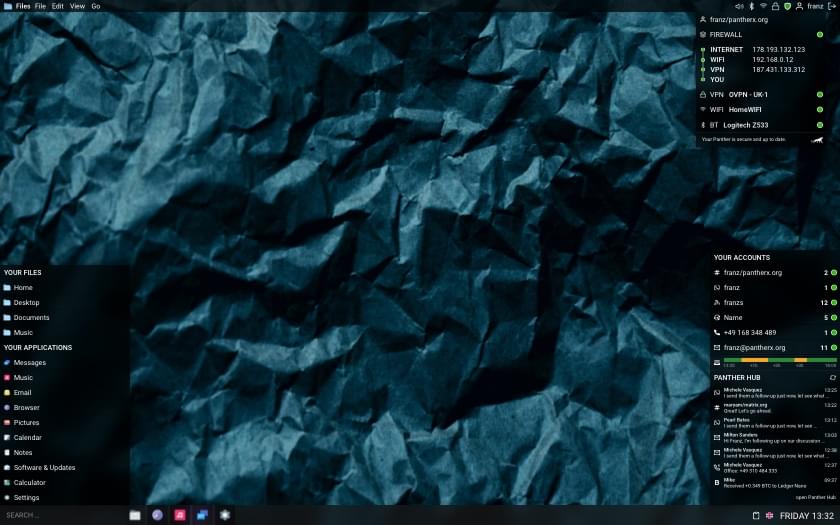
A few weeks back I wrote about guix-install, the new one-binary installer for plain Guix, Nonguix, and PantherX. It was keyboard-only: a TTY walk through Mode → Locale → … → Summary. That still works and isn’t going anywhere. But installing an OS from a text prompt isn’t for everyone, so it now has a graphical front end.
It’s the same install, just driven from a window instead of a prompt. The phases run down the side (Mode, Locale, Timezone, Hostname, Disk, Encryption, Users, Desktop, Summary, Install), and the install step streams the same build output you’d see on the TTY, with a progress bar on top. The resume-on-failure and atomic-write behaviour from the original post is unchanged; this is a front end on the same engine, not a rewrite.
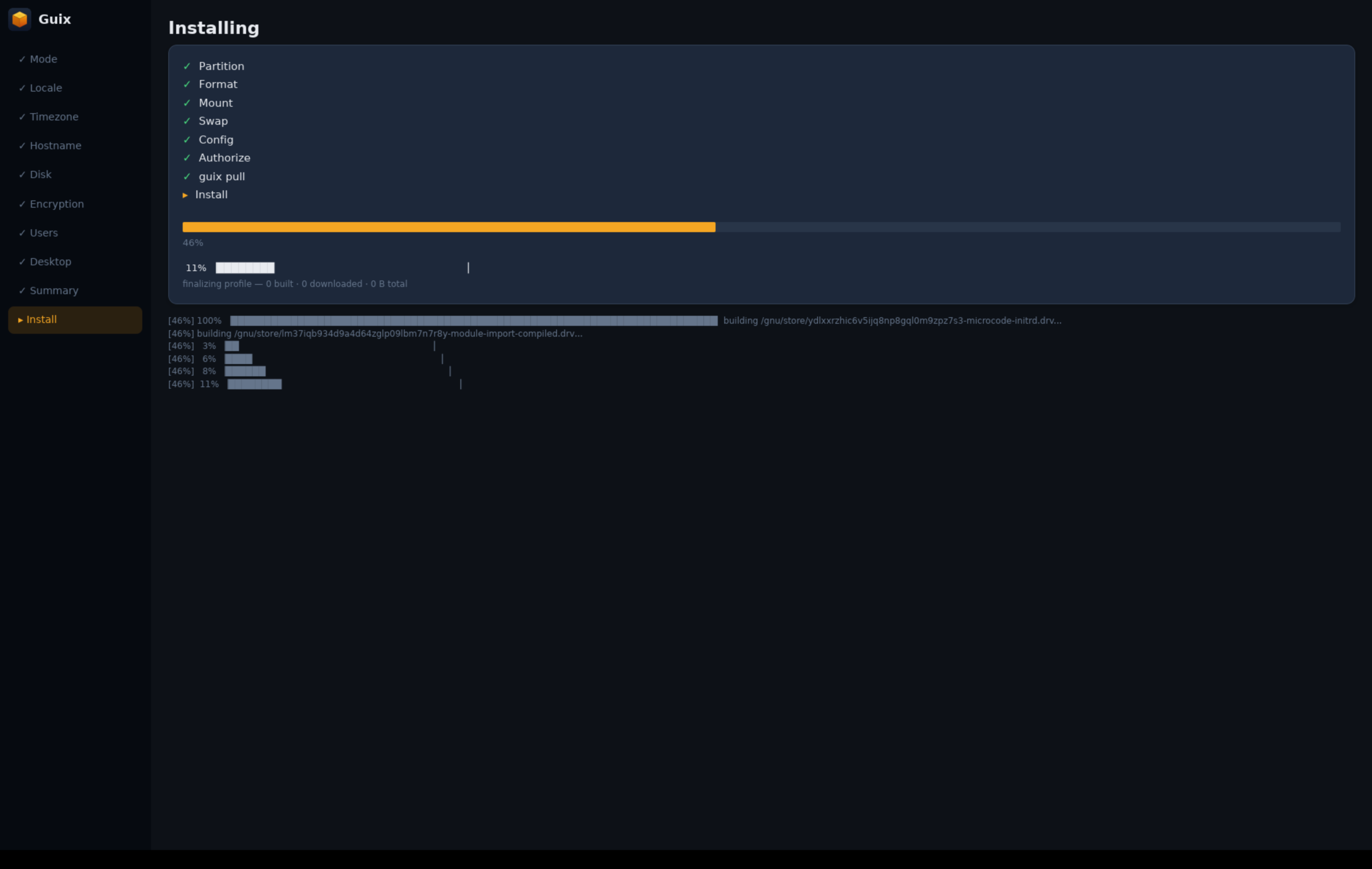
The new ISO that ships it is live on the wiki: wiki.pantherx.org. Grab it, write it to a stick, and you’ve got both the GUI and the old TTY installer on the same image.
It’s all early days, so expect rough edges and the odd bug. If you hit one, please file it: github.com/franzos/guix-install/issues.